
How to use the new Walsh QA Reports Platform
Our new reporting platform has officially launched! Reports will be rolled out gradually as they become available.
Here’s everything you need to know to get started:
Access and Login
- Go to https://apps.walshqa.com/ to access the platform.
-
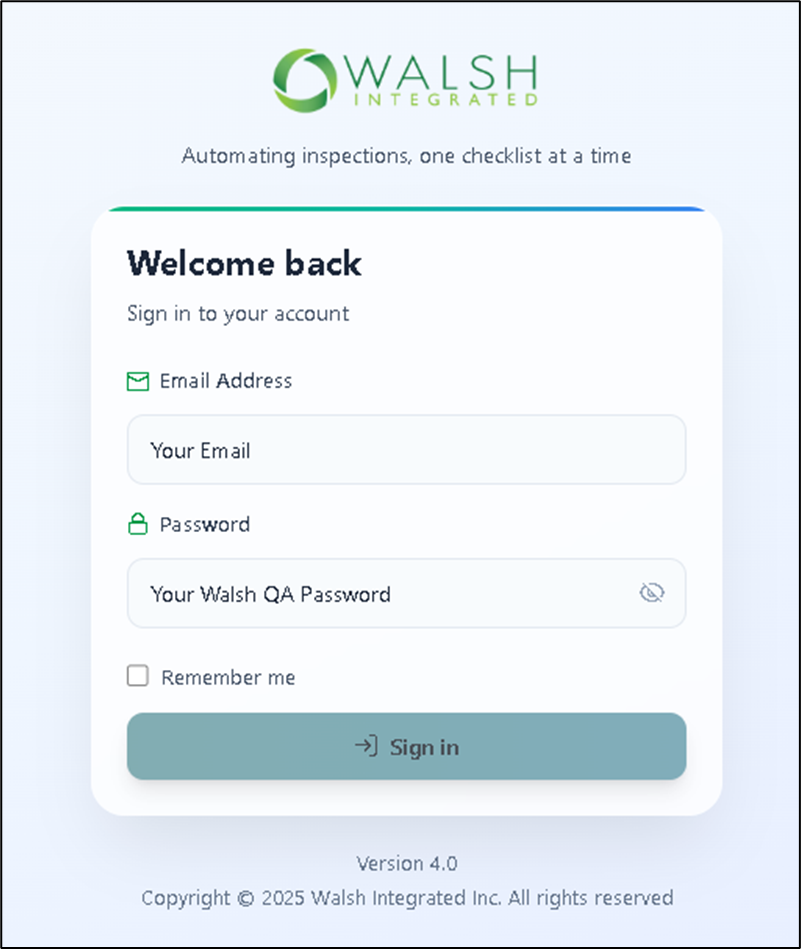
Sign in using your regular Walsh QA login credentials.
-
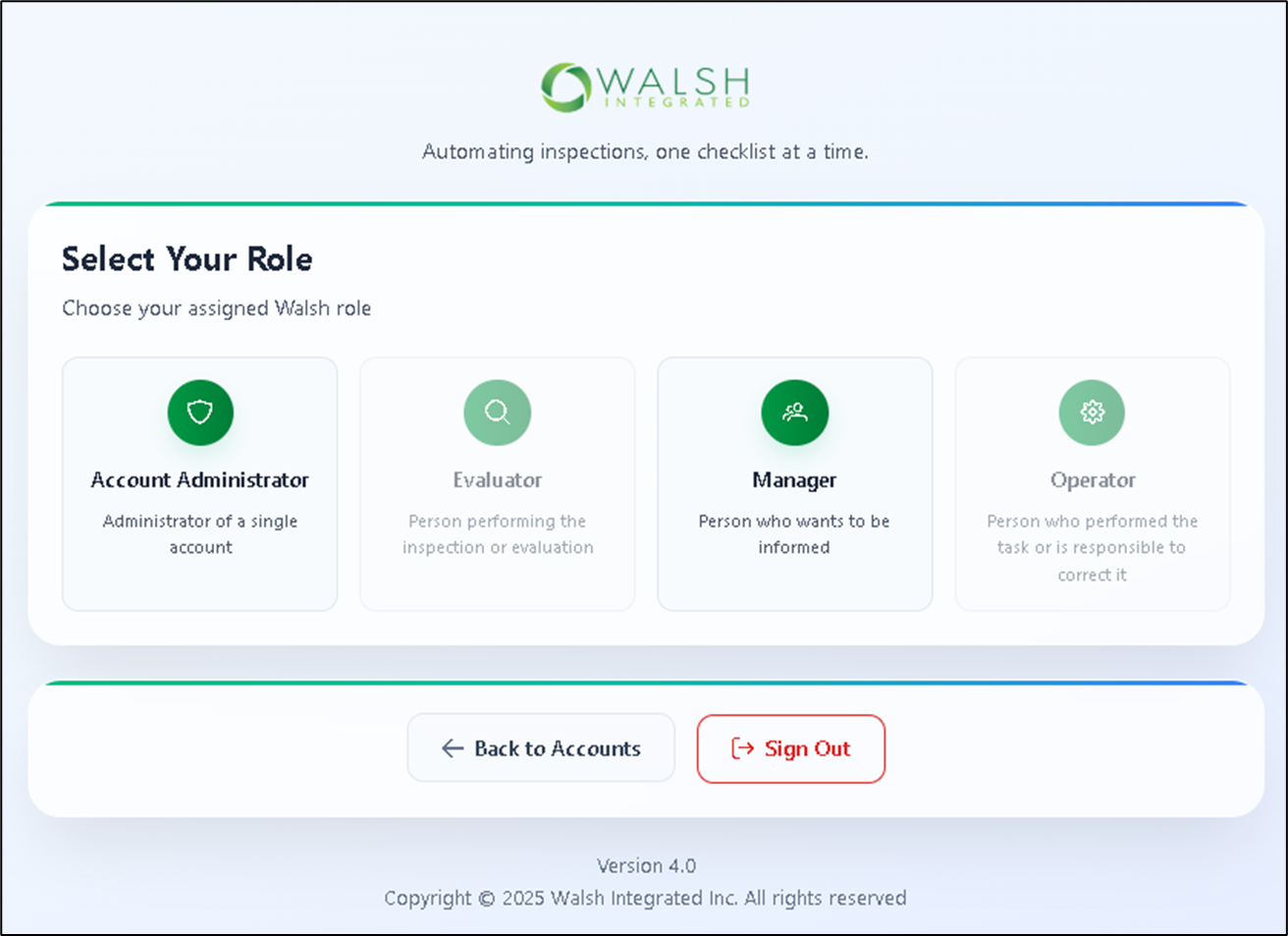
If you have multiple user roles, you’ll be prompted to select one.
Note: only Administrators and Managers can access the reports.
Using the New Report Platform
Watch the video below for a quick walkthrough of the new platform and its features.
Stay tuned for additional reports and support resources will be released soon!