
Exporting a Completed Inspection
Want to export a copy of a completed Inspection? Here's how:
-
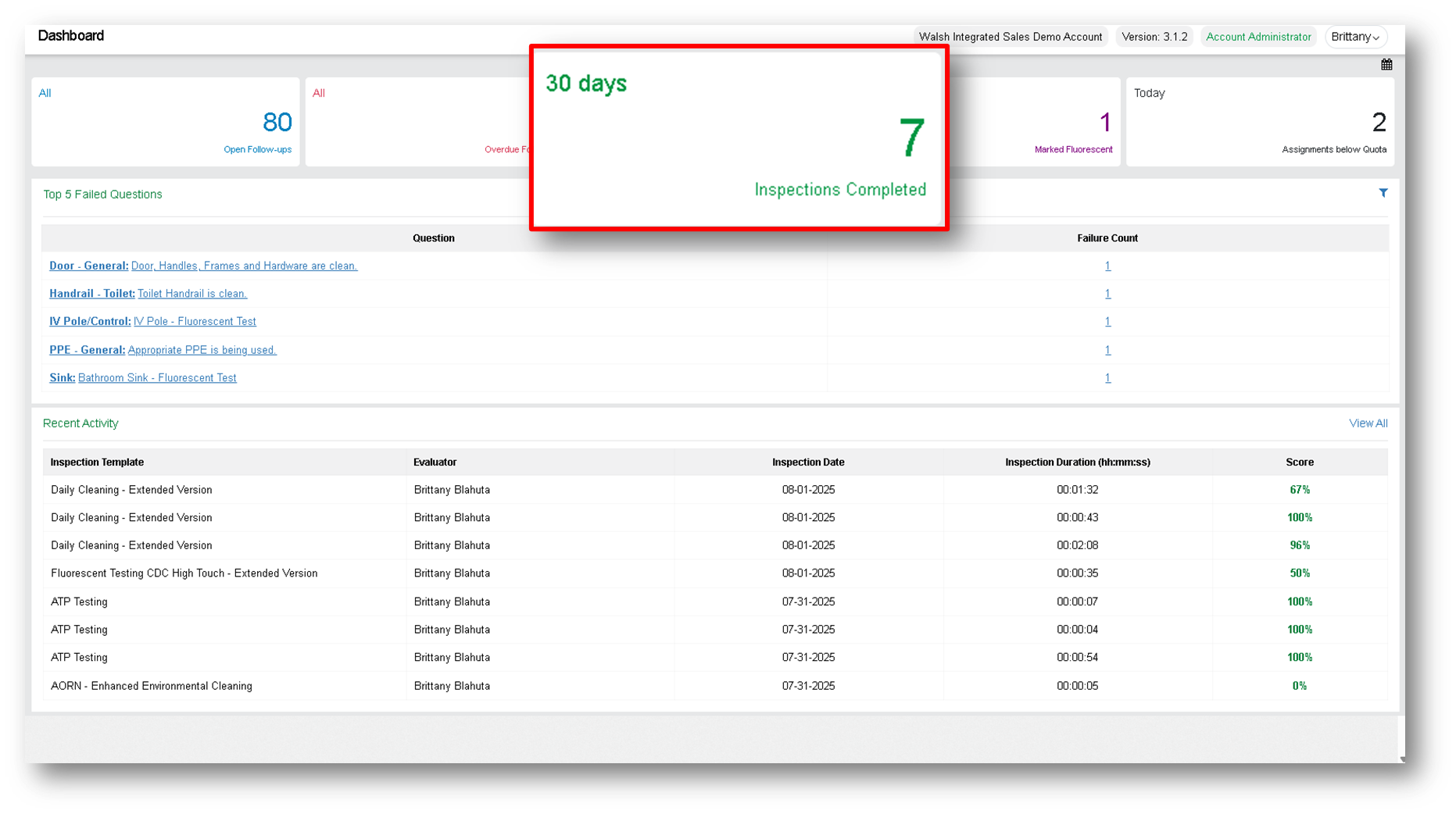
From your dashboard, click the Inspections Completed widget.
-
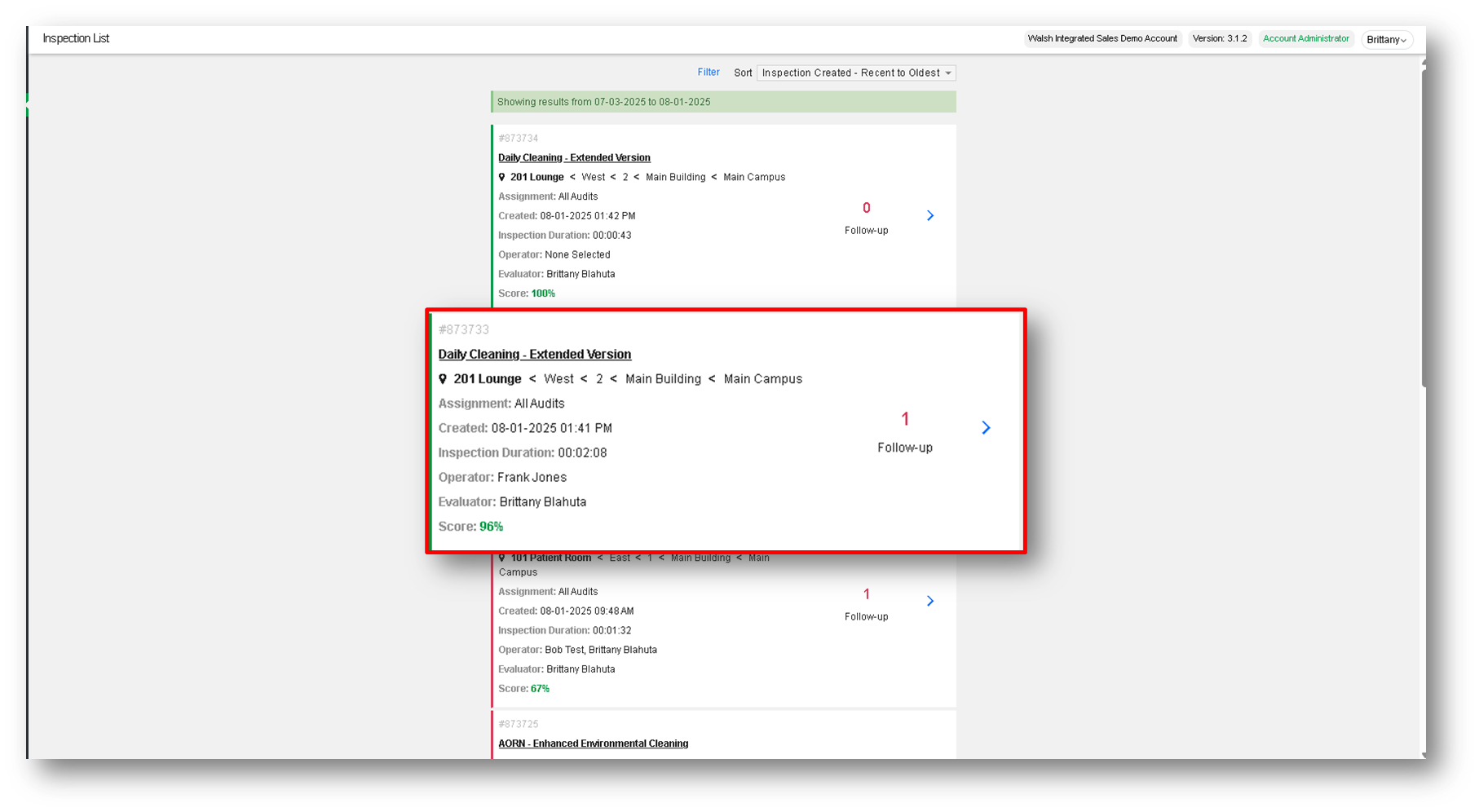
Select the inspection you’d like to export.
-
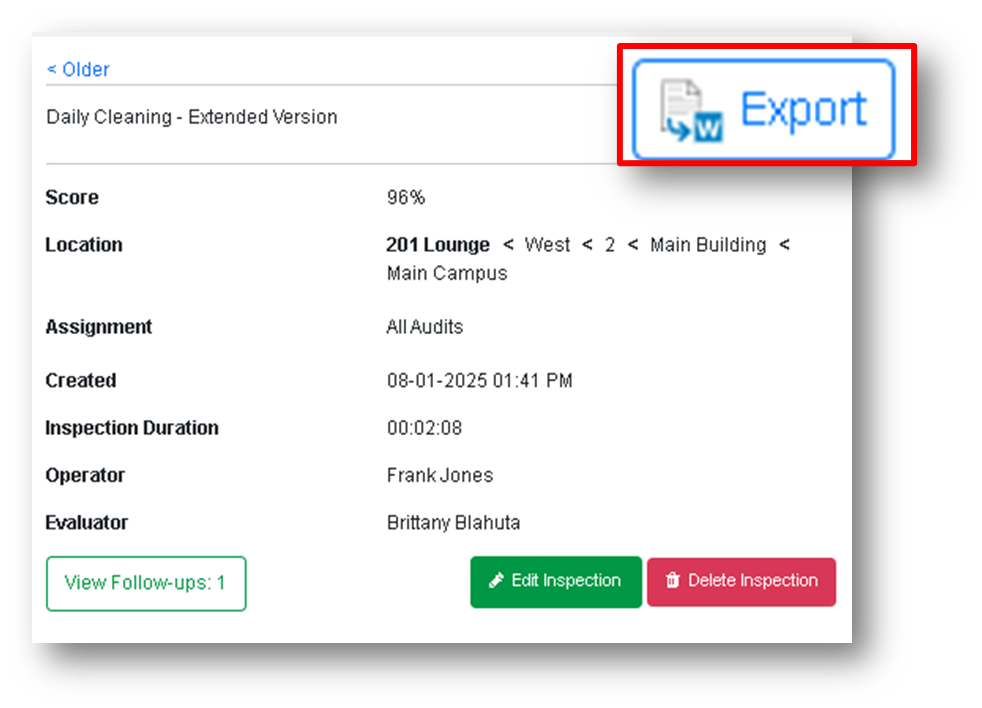
Click on the blue bordered Export button on the top right corner.
-
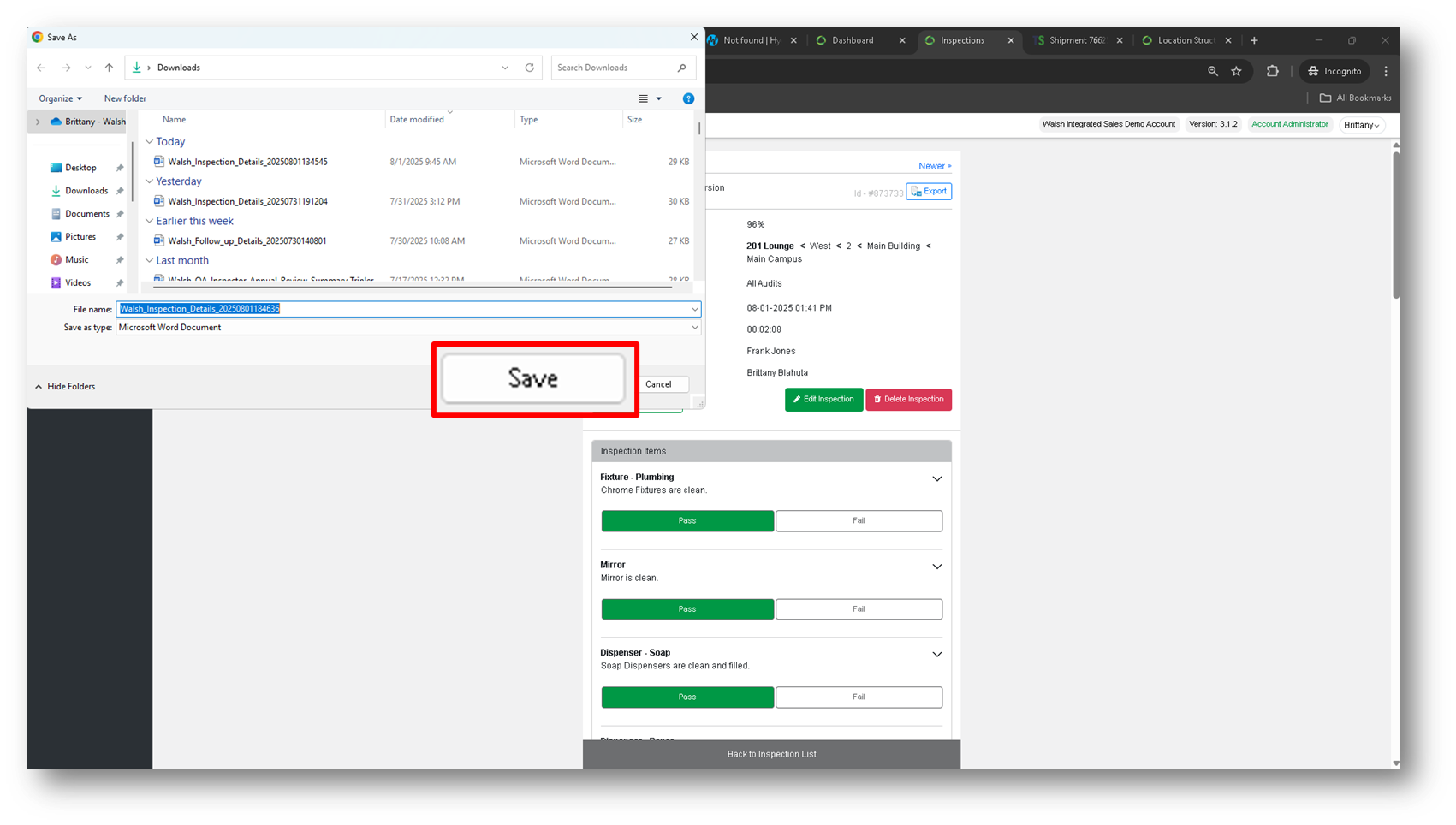
Click on Save.
-
Your inspection has been downloaded!
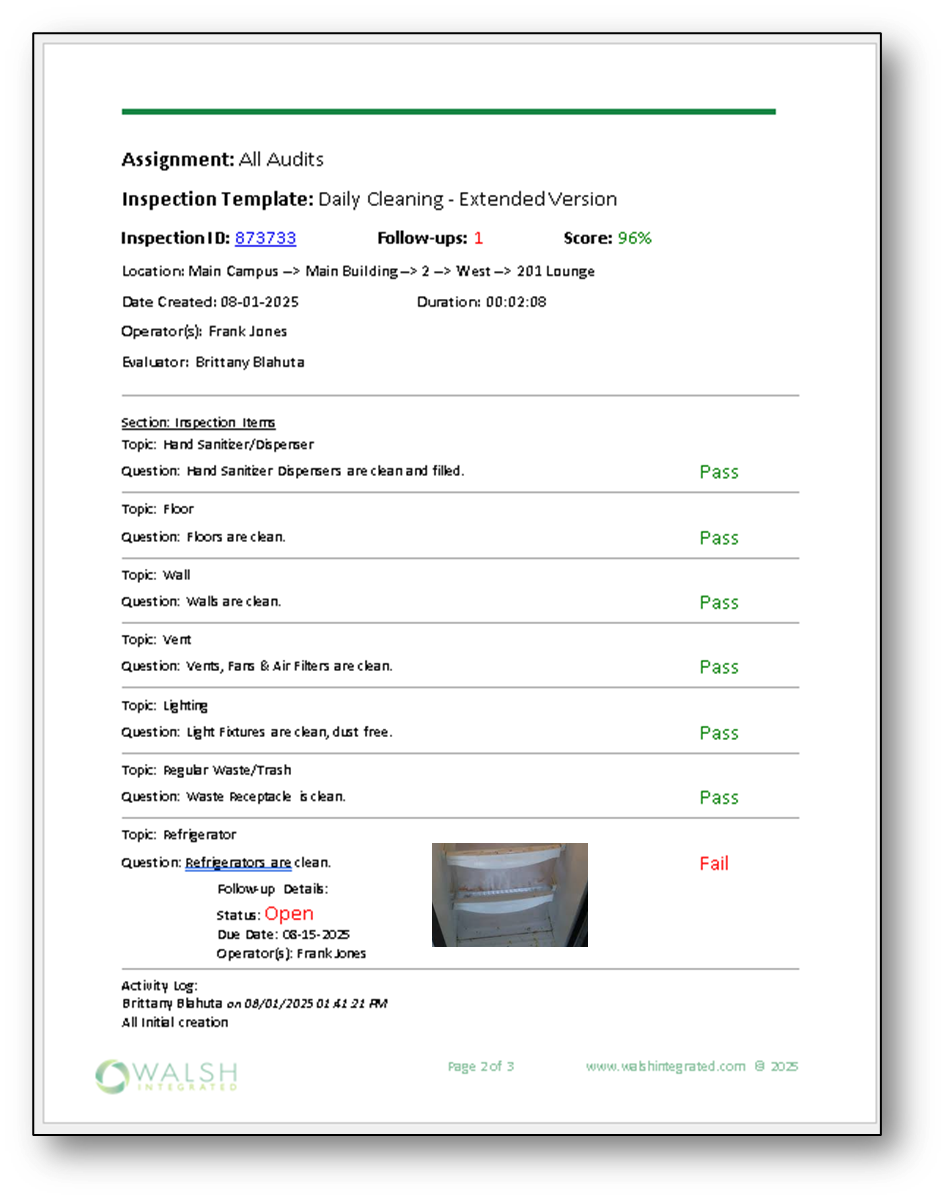
Summary:
To export a completed inspection, click on the Export button in the top right corner of the selected inspection details page.